
Explore and analyze spatial data effortlessly with Teledyne CARIS EasyView, a free 2D/3D viewer supporting various file types and offering advanced visualization and customization features.

CARIS EasyView is a free data viewer for S‑100, S‑57 and other geospatial formats. It allows users to visualize spatial data from a very wide range of file types without the need for specialized software. The application includes support for modern S‑100 products such as S‑101 ENCs and S‑102 bathymetric surfaces, alongside many other established GIS and hydrographic data formats.
EasyView gives users direct access to their data. Multiple sources can be loaded and managed simultaneously, including vector datasets, DTMs, raster images, charts, point clouds, and variable resolution surfaces. Layer ordering, display parameters and portrayal can be customized, and features can be queried and inspected in both 2D and 3D for further analysis.
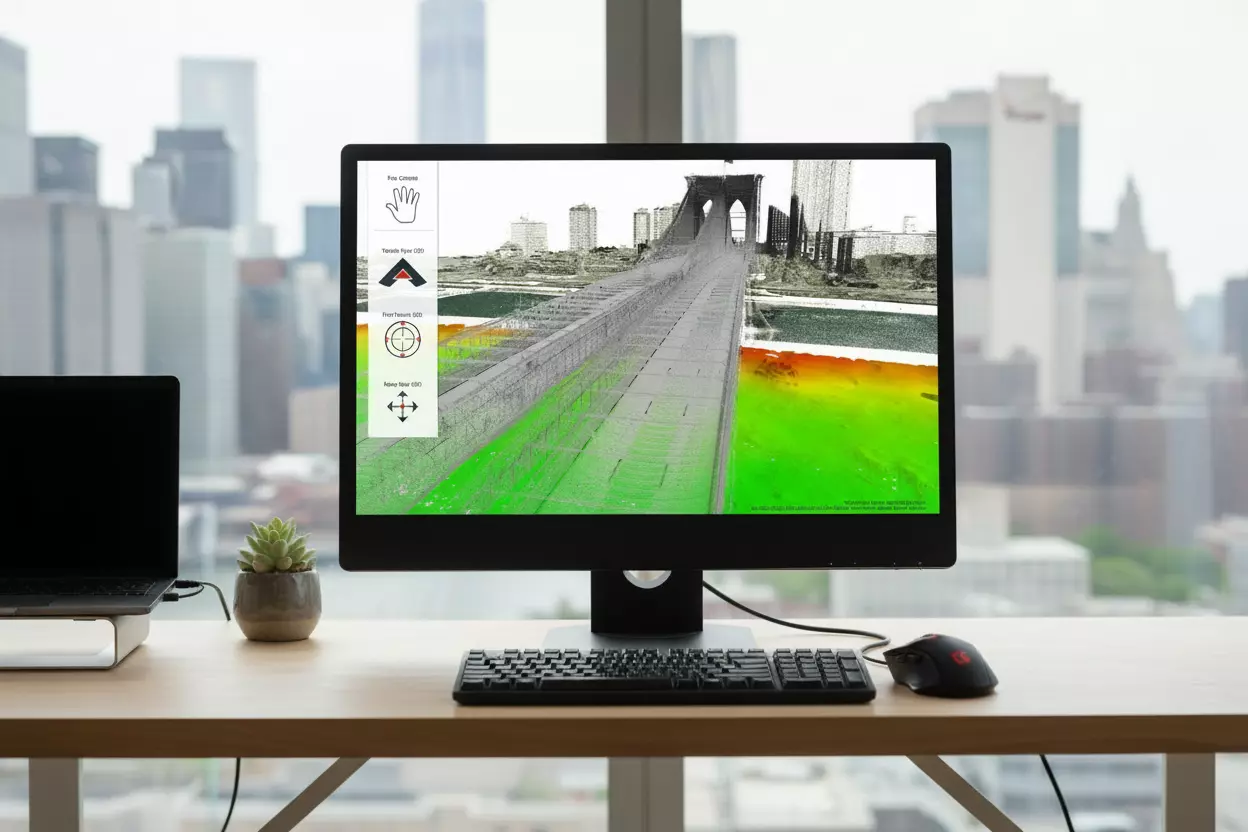
The integrated 3D visualization engine allows inspection of data from any perspective, using techniques such as surface draping and filtering. Users can navigate seamlessly between 2D and 3D views, explore datasets interactively, and capture fly‑through recordings for sharing and presentation purposes.
With the free CARIS EasyView program, users can efficiently visualize, analyze and share spatial data at no cost and without requiring a full production environment.
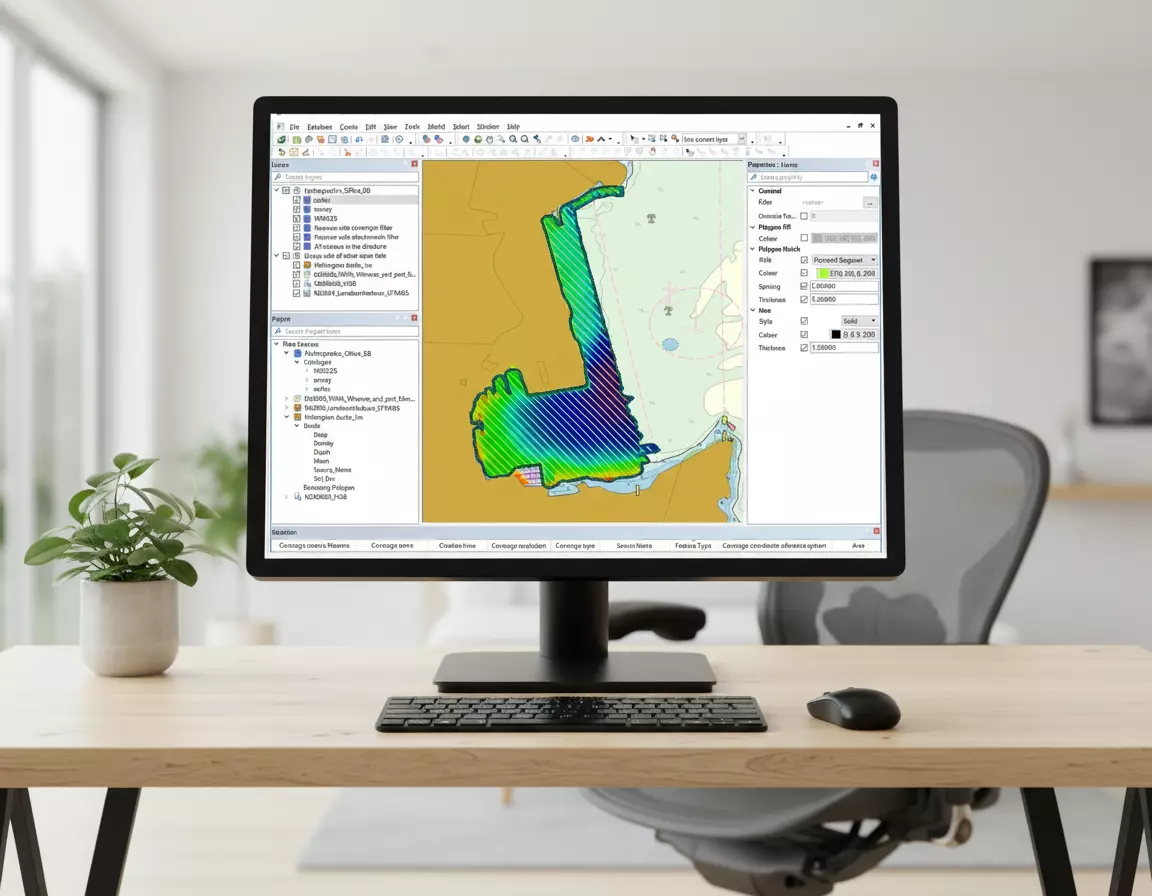
EasyView provides a consistent and flexible user interface for organizing and interacting with diverse data sources. Users can connect to different data types, configure display properties, and group or filter data within a unified workflow.
A range of navigation options supports efficient exploration of geospatial data. Users can define preferred navigation modes, use intuitive pan and 3D controls, and move smoothly between 2D and 3D environments.
Please tell us a little bit about yourself before continuing on to download the software.
| Recommended Technical Specifications | |
|---|---|
| Processor | Recent generation multi-core CPU |
| Memory | 16 GB of RAM |
| Storage | Minimum 1 GB available for installation |
| Display | NVidia® or AMD® display adapter, with an OpenGL 3.3 compatible GPU, with 2GB of memory or greater |
| Operating System | Windows® 10 Professional 64-bit, or Windows 11® 64-bit Note: The 3D visualization capability takes advantage of the higher end video cards that are commonplace in newer systems. You may need to ensure you are using the most recent video drivers for your display adapter. To achieve optimum results in 3D with the most sophisticated visualization options, you might want to consider upgrading your video card as well. Please note that with the release of version 6, Easy View is available only for 64-bit Windows™ environment. |

